Mobile App

Build a Job-Ready Construction Profile in Minutes

Build a profile fast, then get top-matched Opportunity Alerts before they go public—tap “Interested” and we handle the application. Free forever.
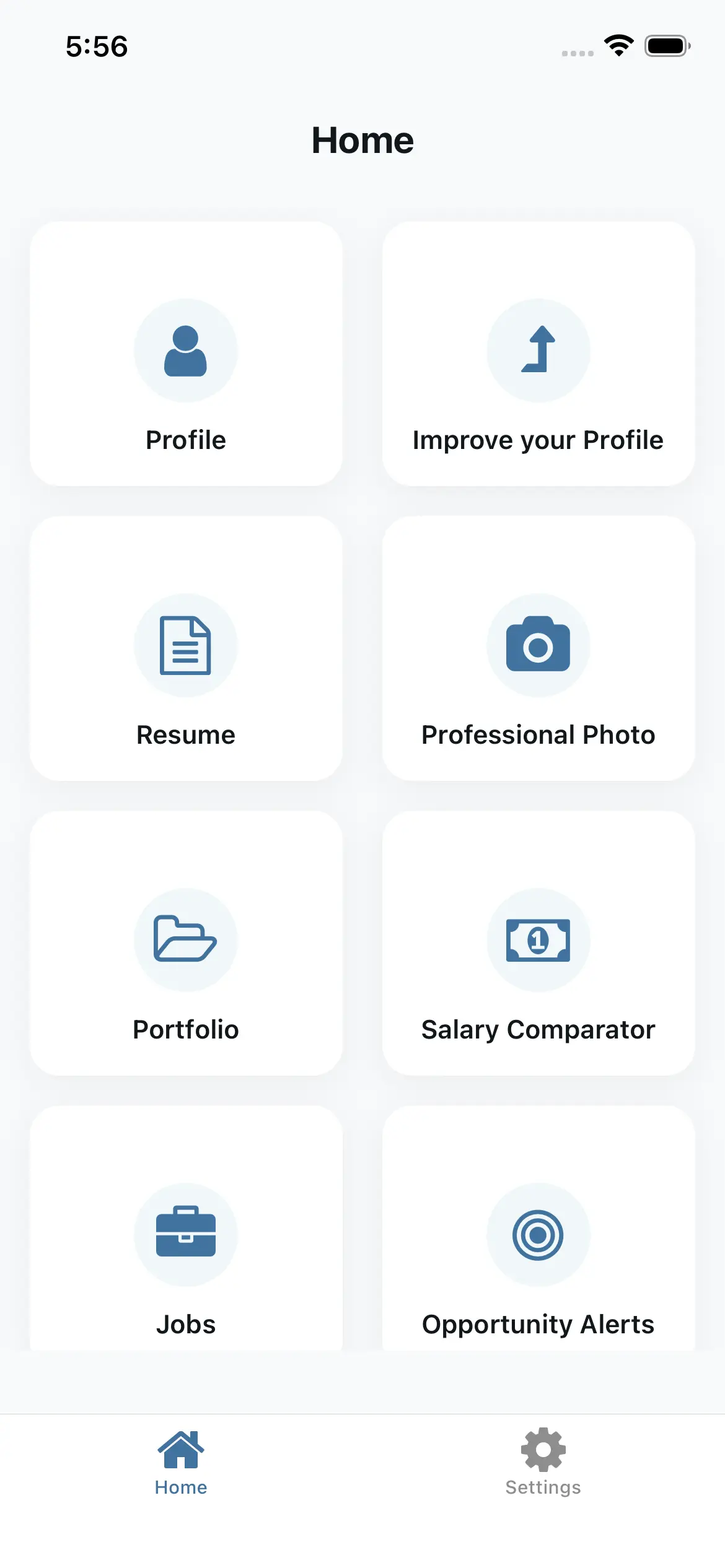
Voice-to-profile (dictate, review, edit)
Resume export: PDF + QR share link
Opportunity Alerts: express interest—no application required
Professional Hub Mobile App

Voice-to-Profile

Say “Red Seal carpenter, commercial.” AI translates it into a complete, job-ready profile.

Profile Enhancement

AI drafts strong work summaries and recommends missing skills to close gaps.

Get Discovered

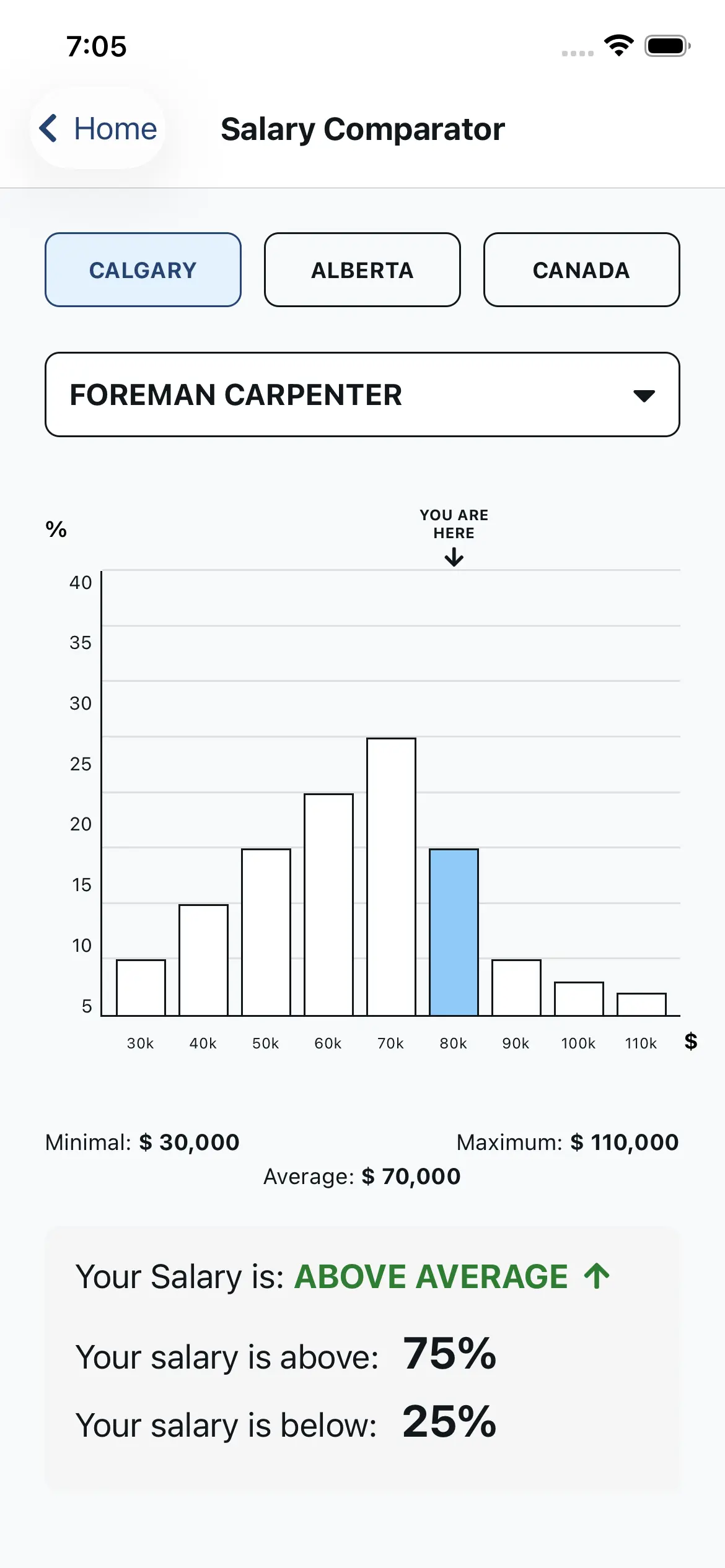
Anonymous salary comparisons by role and location.

Know Your Worth

Compare your salary anonymously with others in your role and location.

Powerful Features, Free Forever

Everything you need to build your profile and find opportunities—at no cost.

AI Profile Assistant

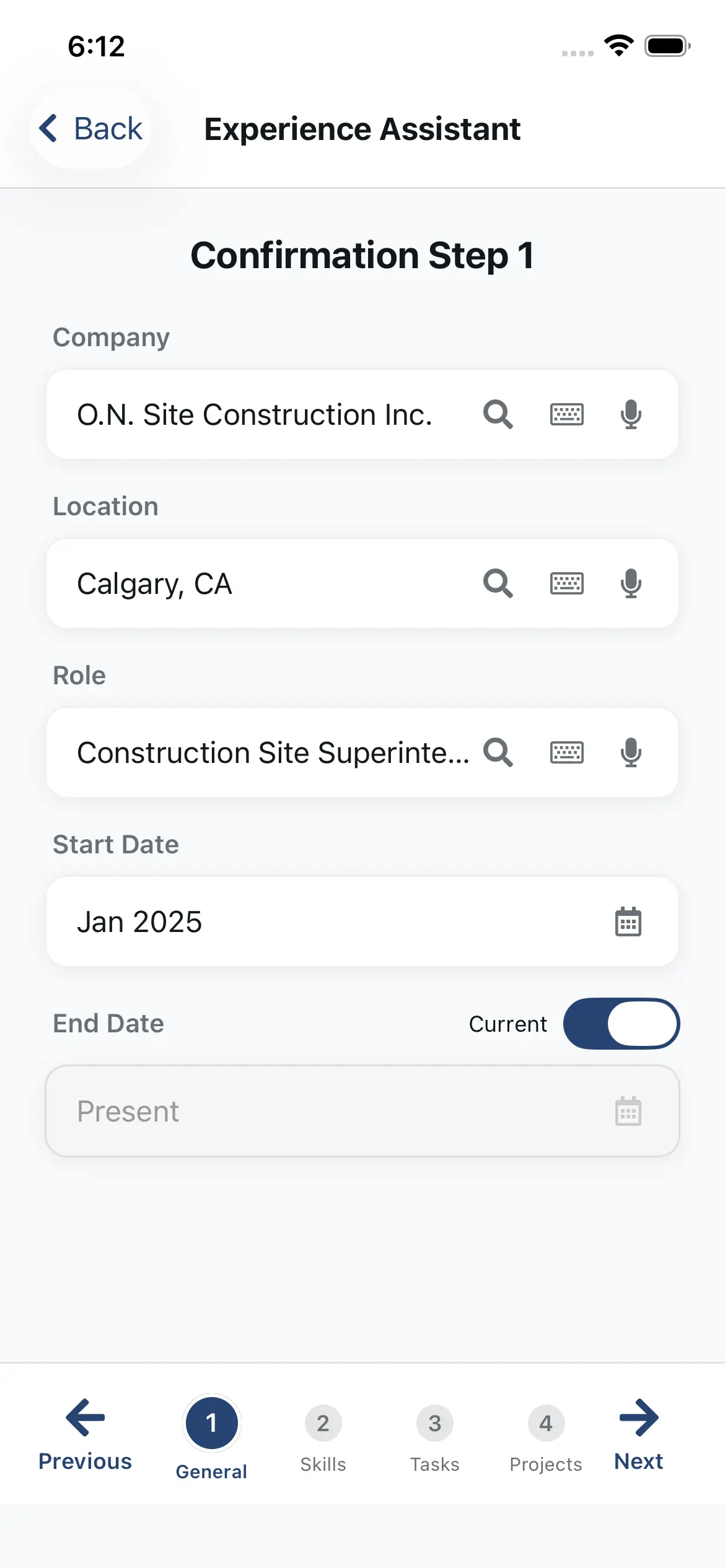
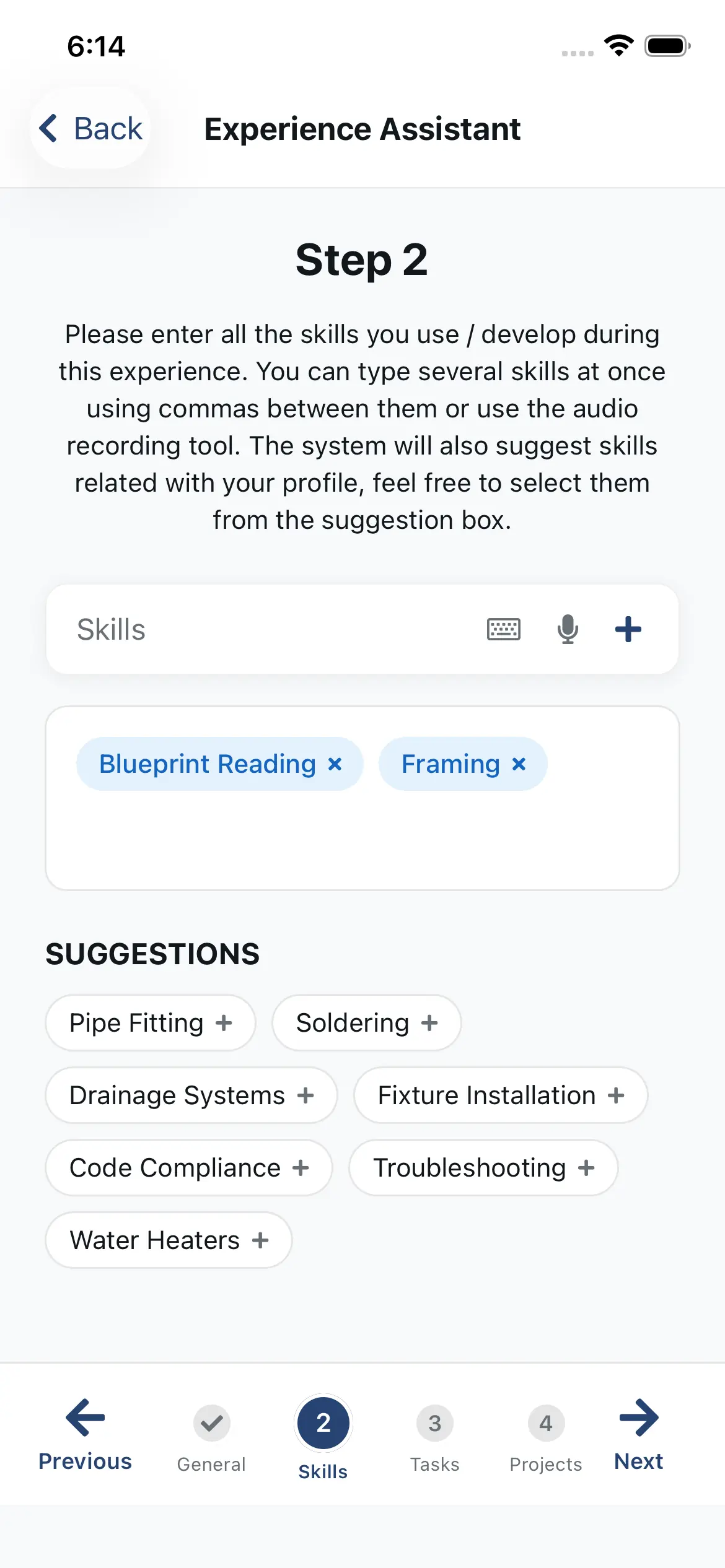
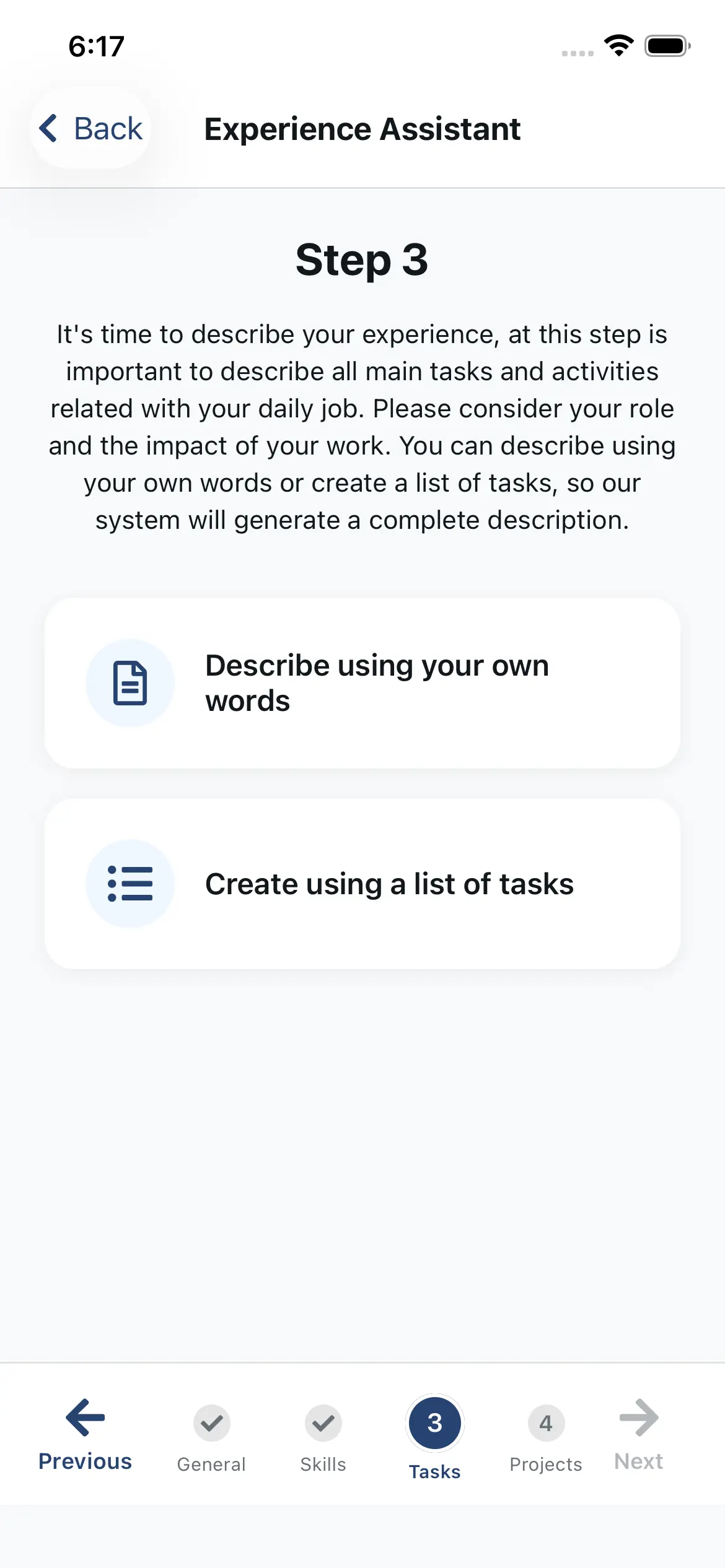
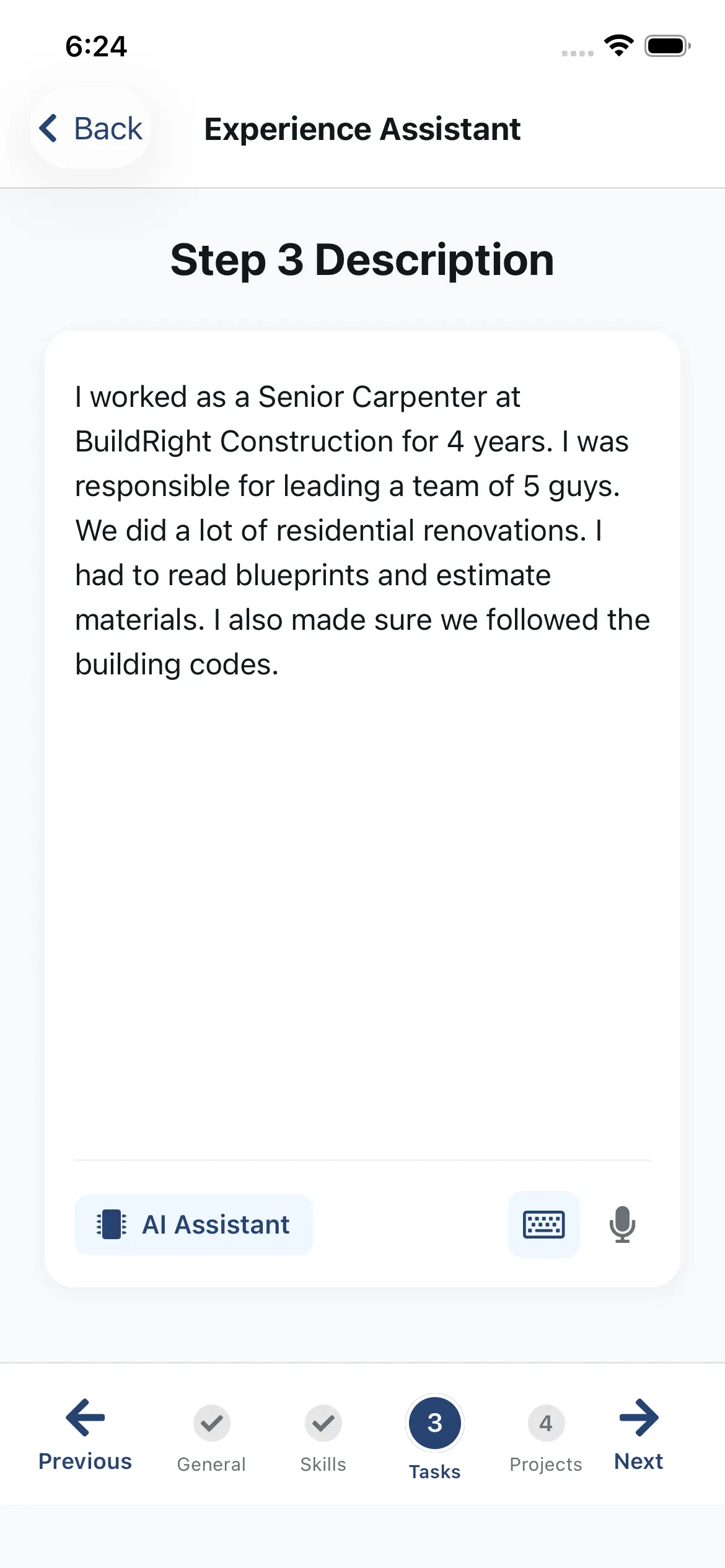
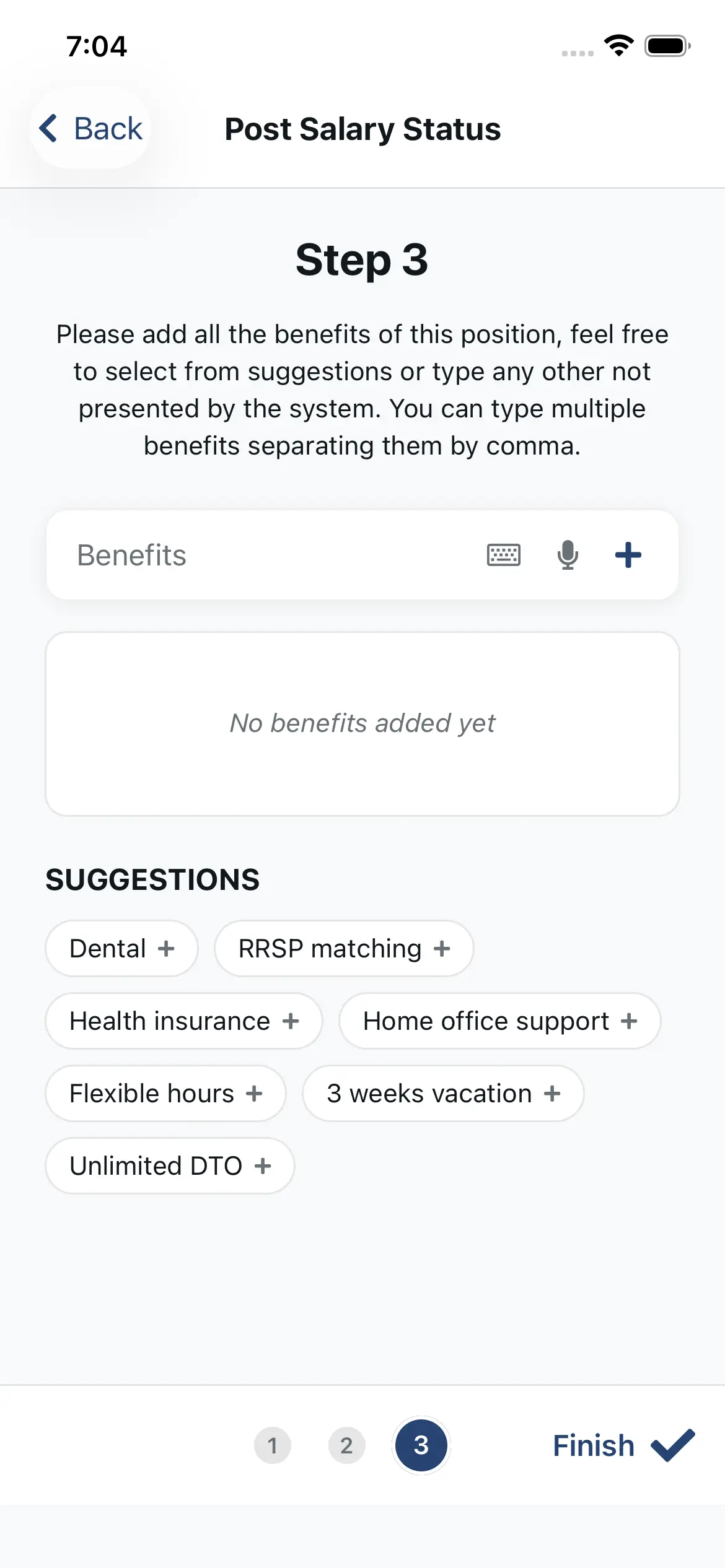
Construction Profile Builder (Voice + AI Suggestions)

Describe your experience in your own words (or by voice). Our construction-trained AI turns it into a structured profile—then suggests relevant skills and polished descriptions to strengthen it. Example: say “Red Seal carpenter, commercial,” and the assistant maps it to the right role context, skills, and stronger bullet points.
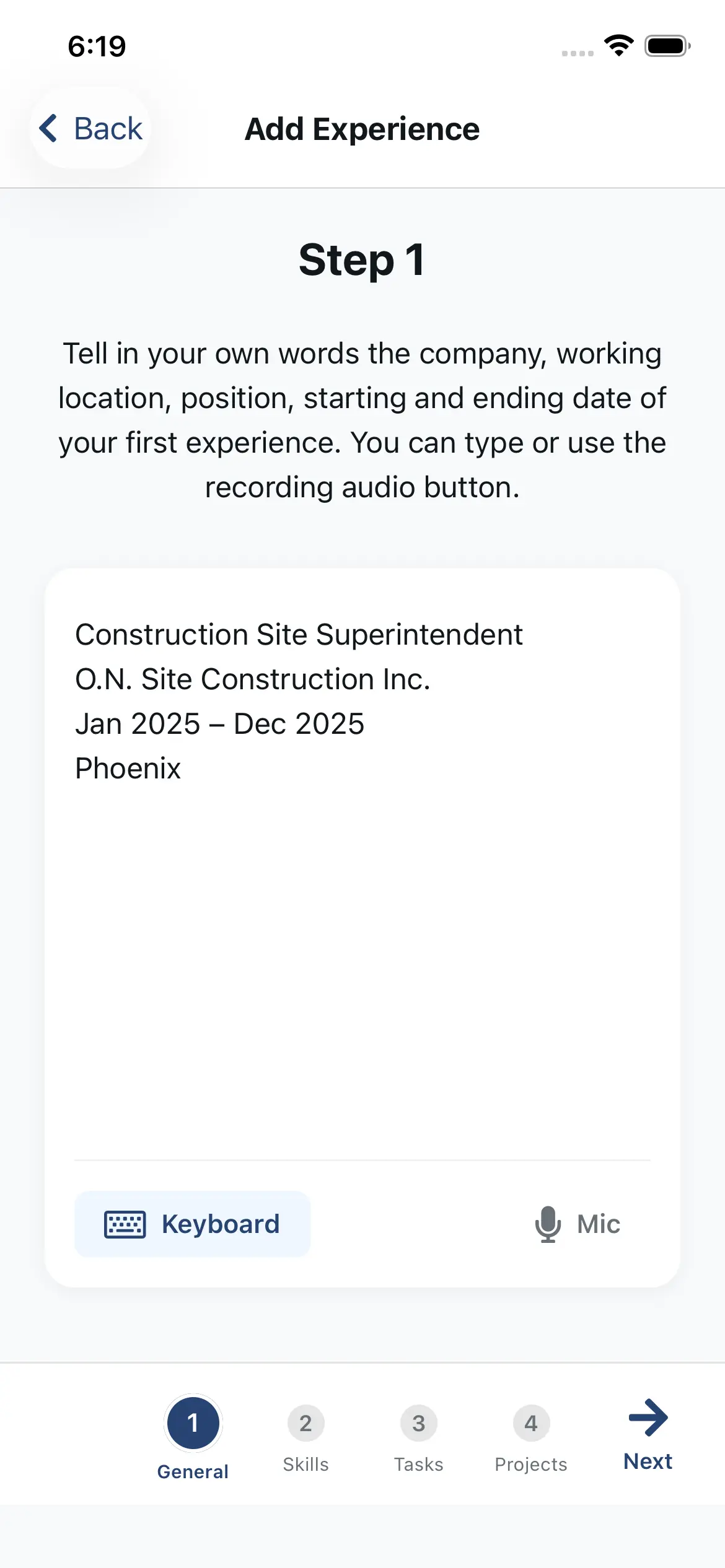
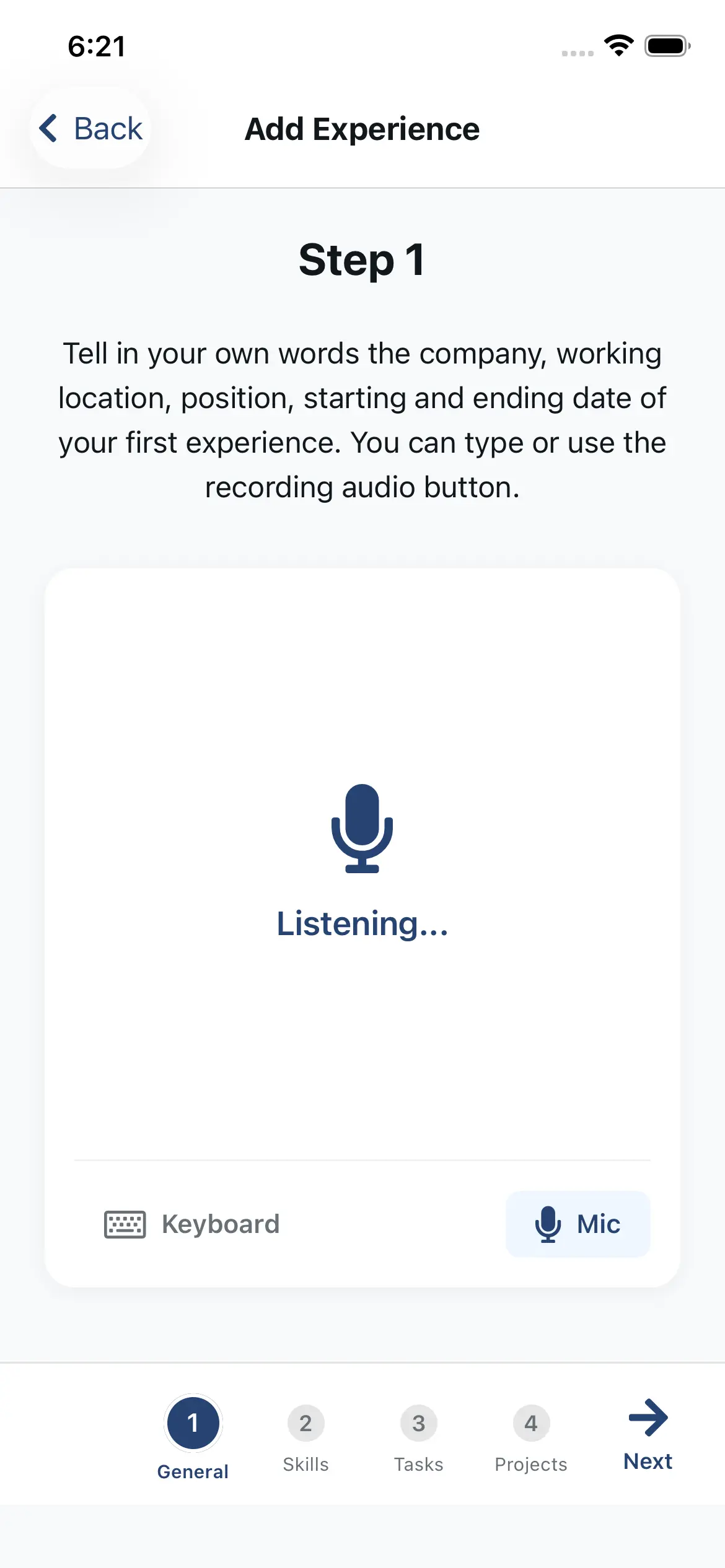
  • Speak or type—AI fills the form automatically, and you can review/edit.
  • One-tap skill suggestions based on your input (no guessing).
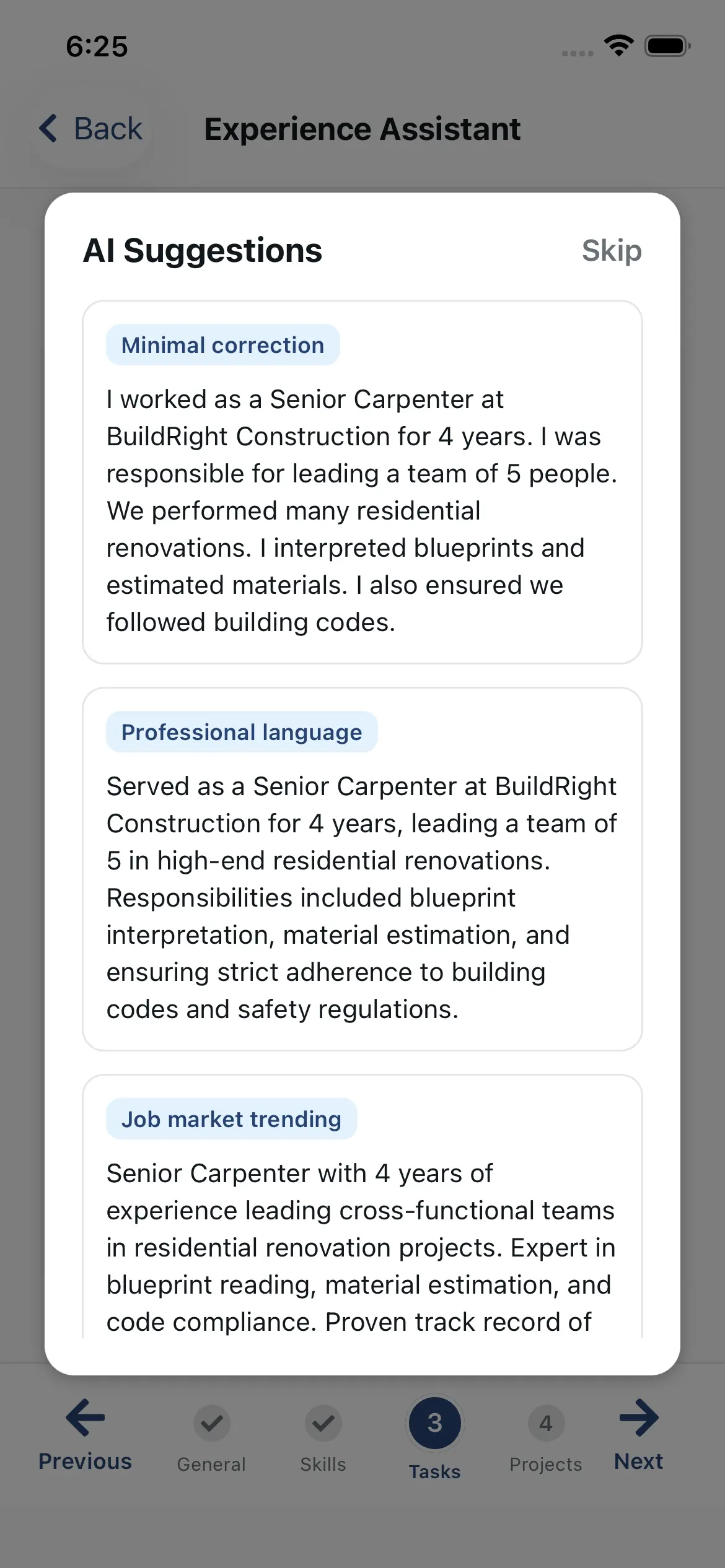
  • Polished work descriptions in 3 writing styles—iterate until it’s perfect.
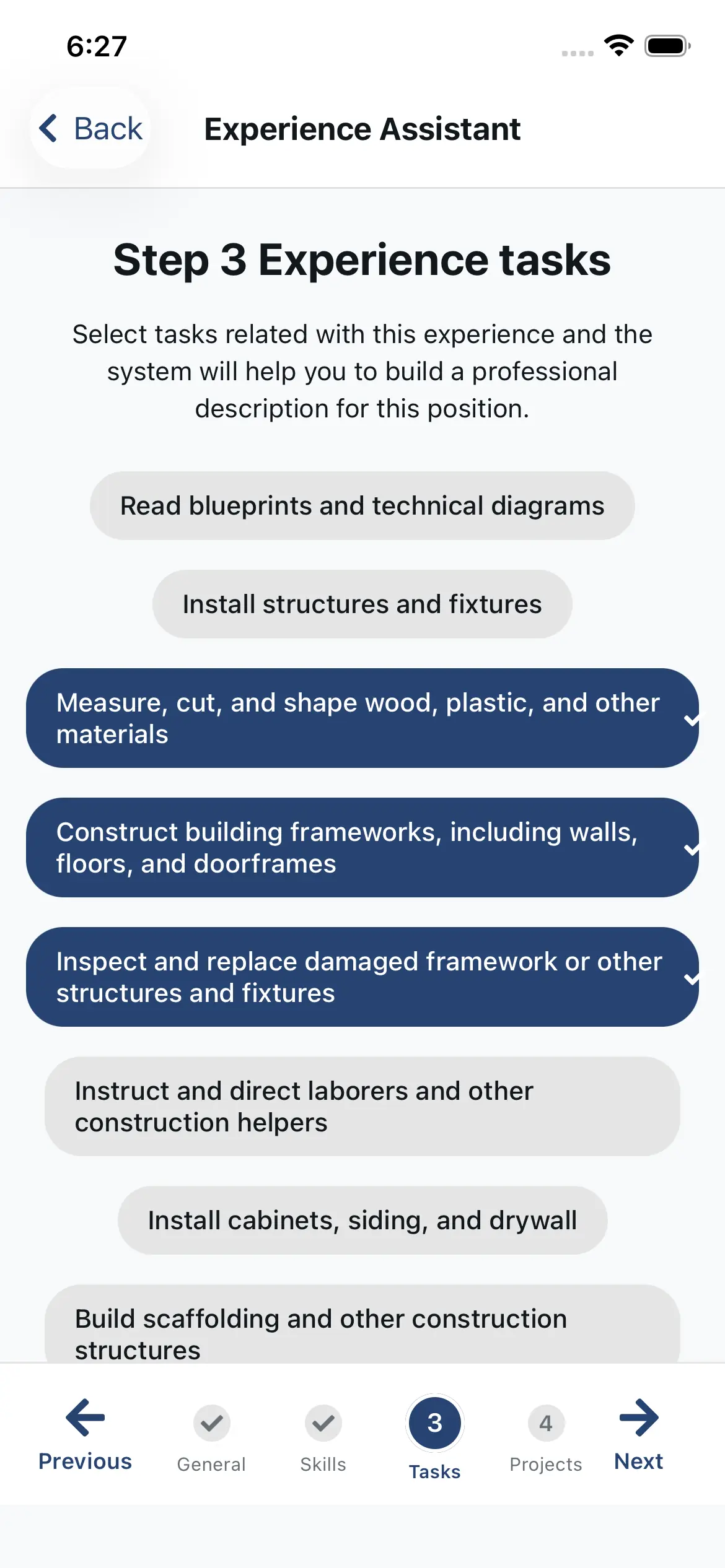
  • A tailored task list for your role—describe your work without writing from scratch.
Free Feature

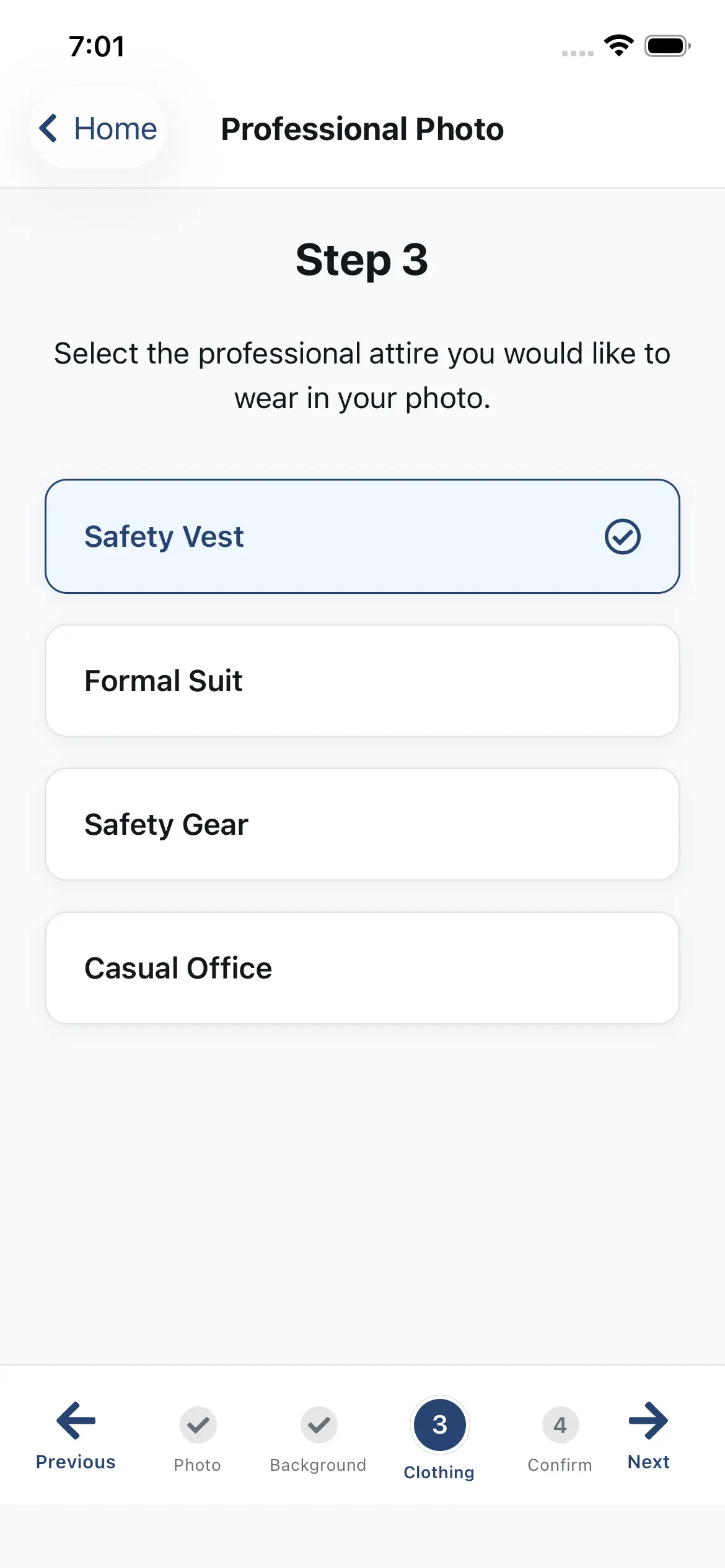
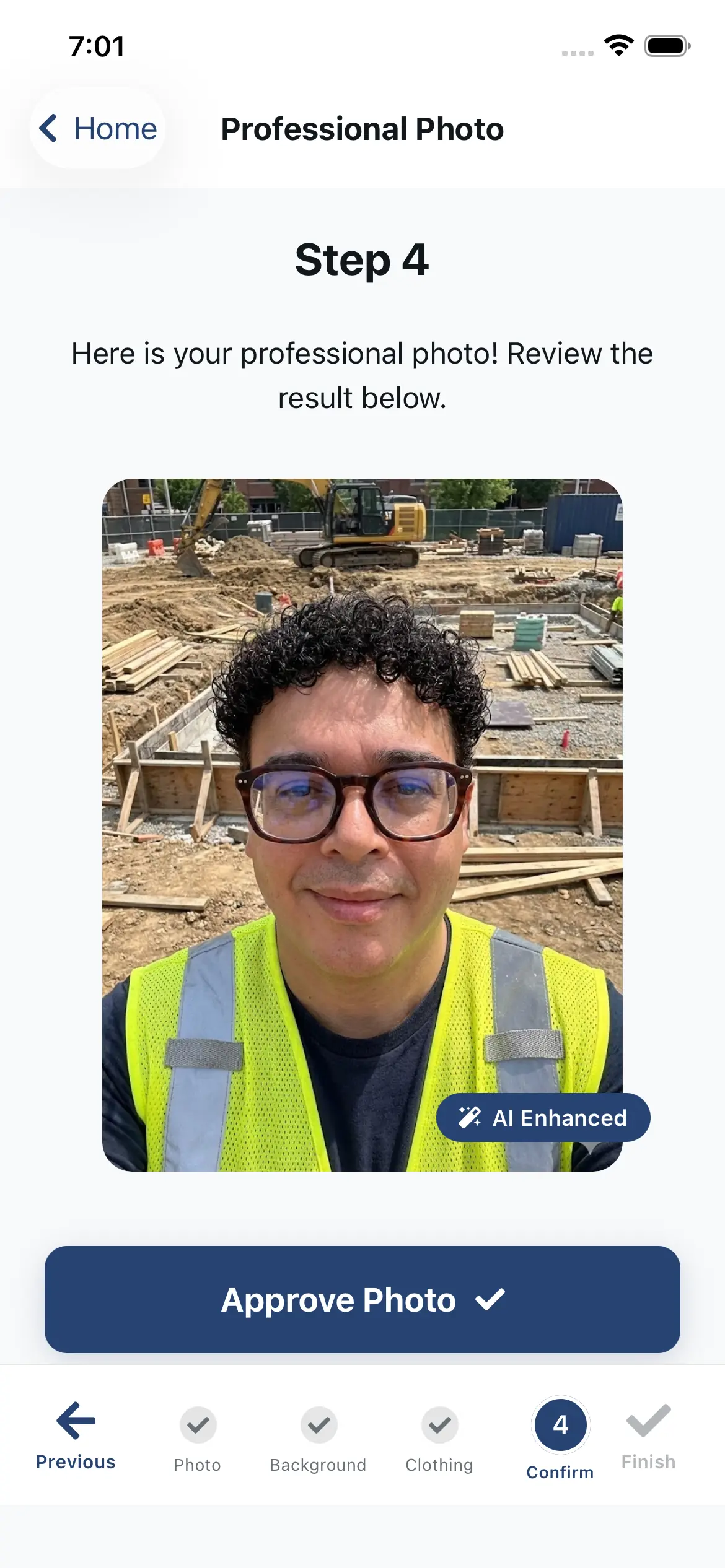
Professional Photo Generator

Don’t have a professional headshot? No problem. Our AI can generate a polished photo from a casual selfie—completely free. It’s a bonus to help you look professional—matching is always based on skills and experience.

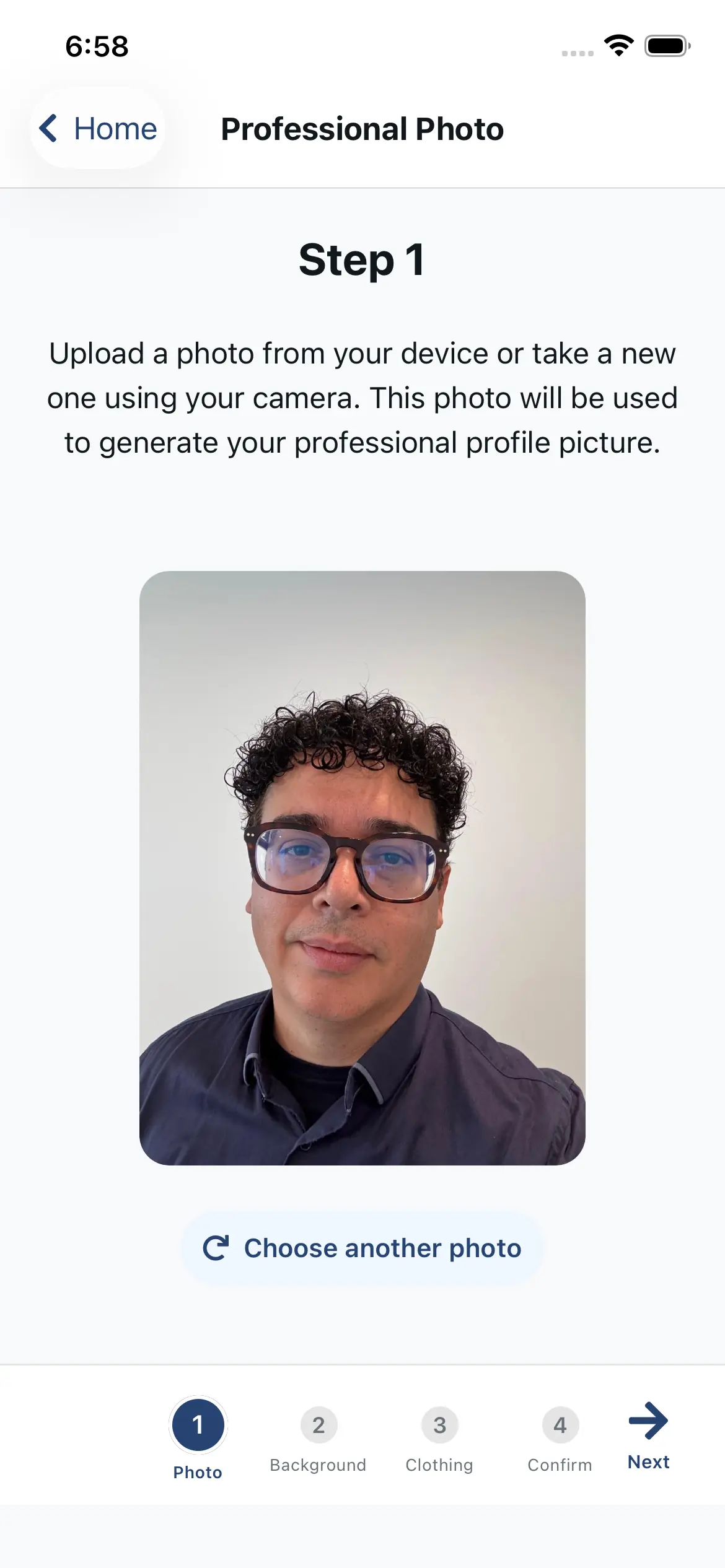
  • Turn any selfie into a professional headshot.
  • Multiple style options.
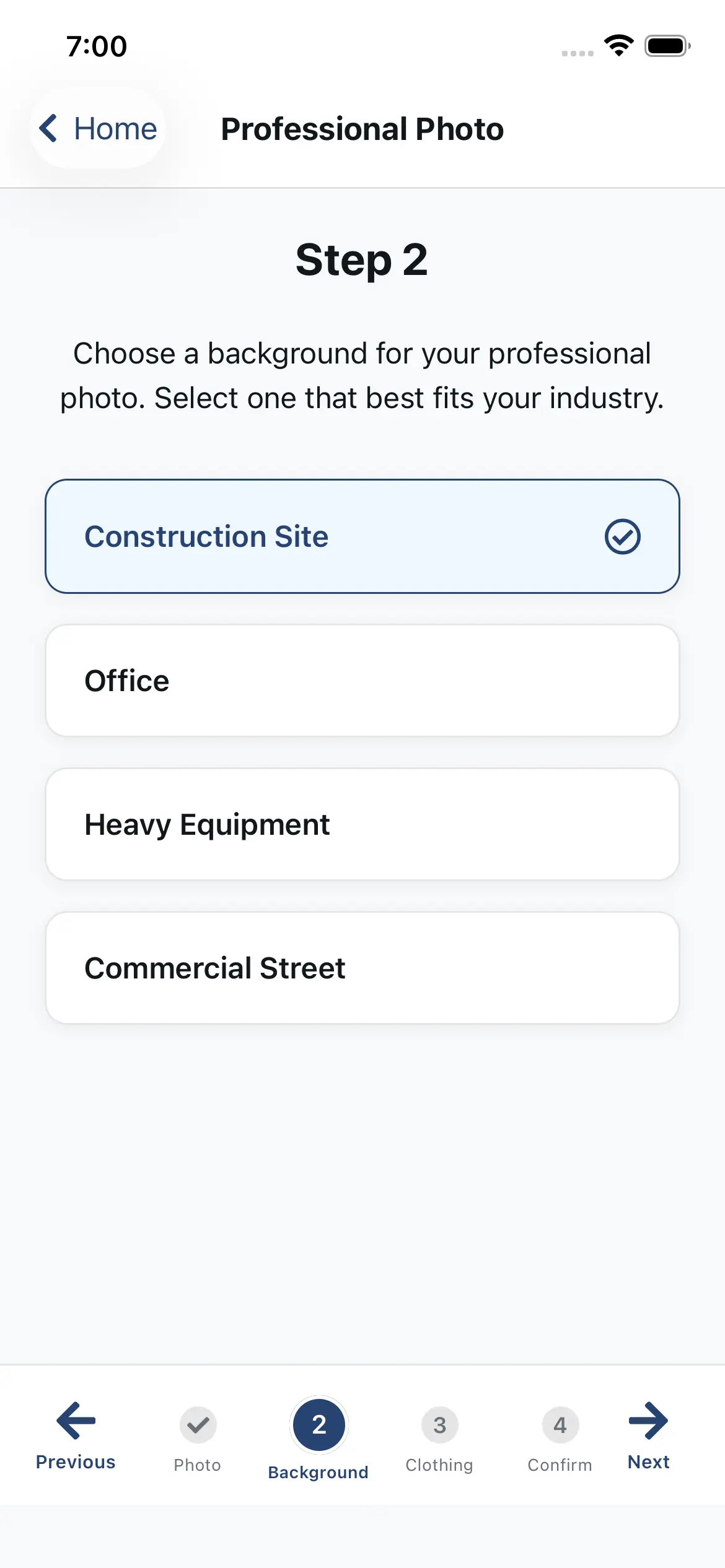
  • Construction-appropriate backgrounds.
  • Unlimited generations—free.
Resume Builder

Auto-Generated Resume (PDF + QR Code)

Your profile instantly generates a polished PDF resume, a public resume link, and a QR code—perfect for job fairs, networking, or sending to recruiters.
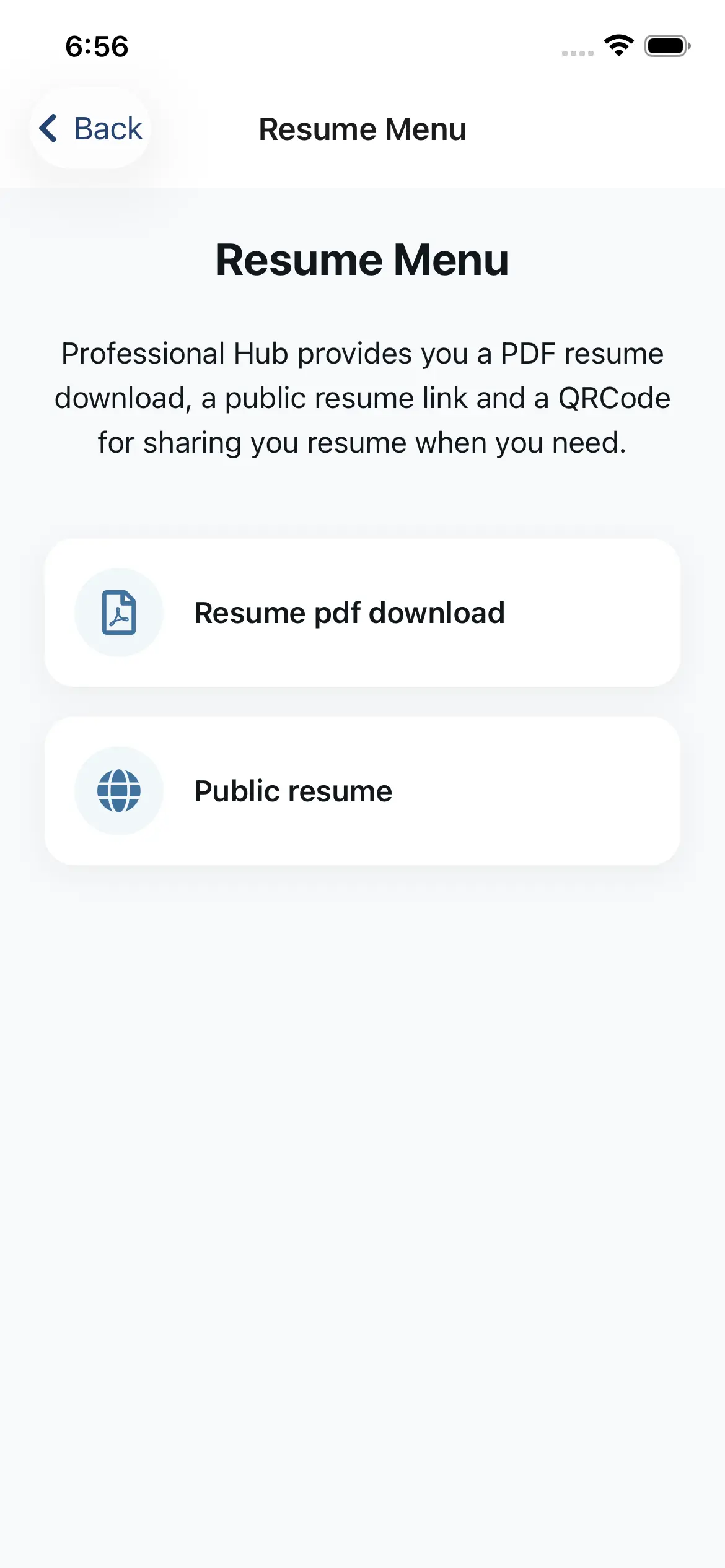
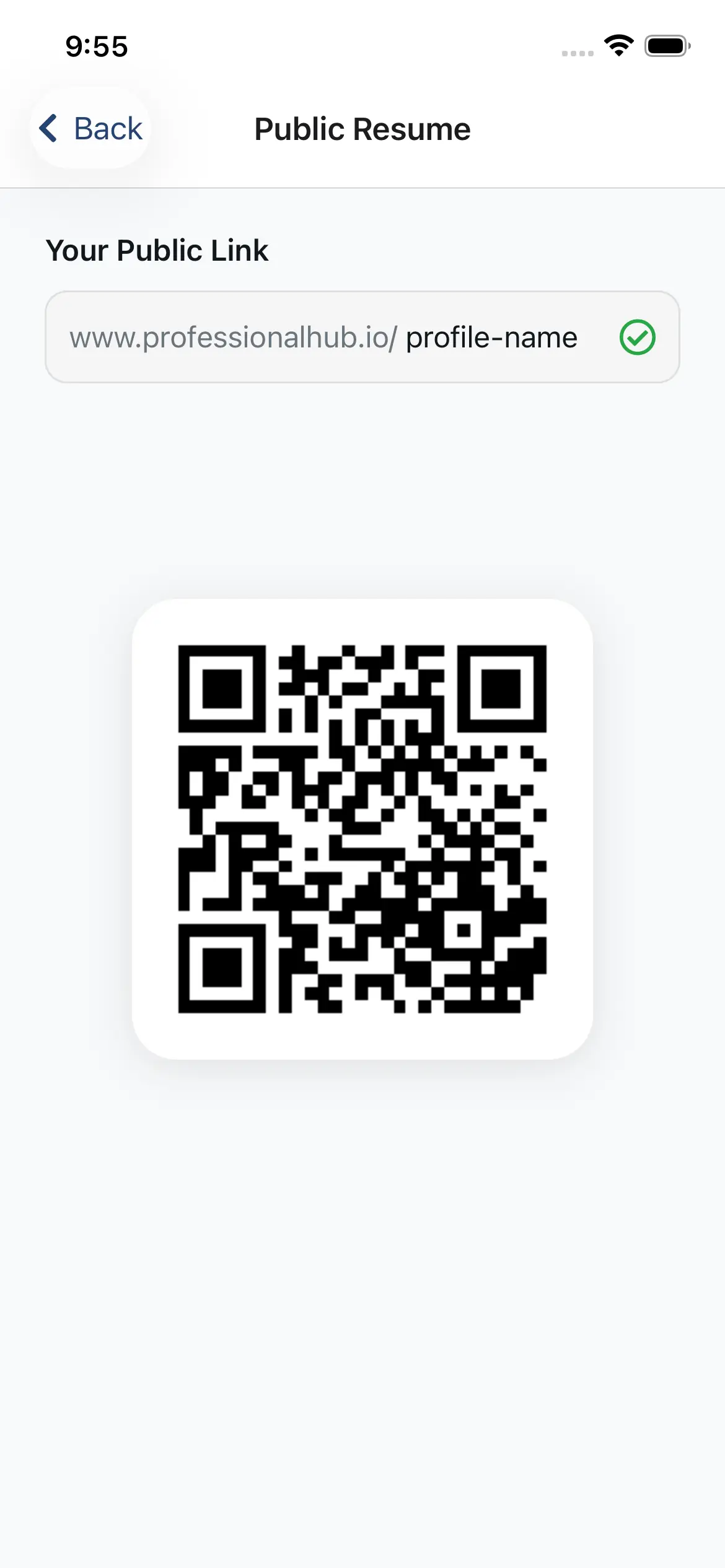
  • Professionally formatted PDF (auto-generated).
  • Shareable public resume link.
  • QR code for instant sharing.
  • Always up to date with your profile.
Portfolio

Showcase Your Best Work

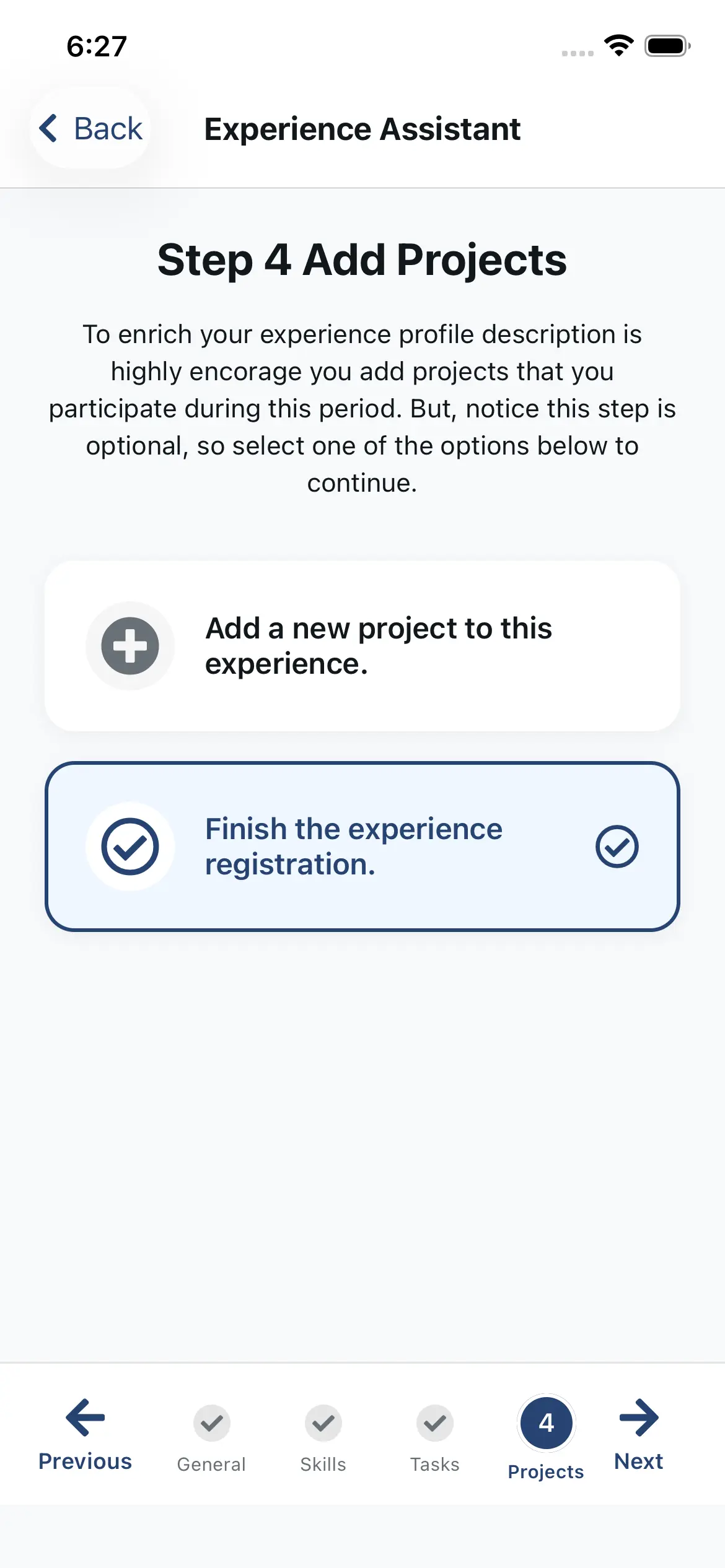
Upload photos and short descriptions of completed projects. Add context to your experience, skills, responsibilities and outcomes. Matching is skills-first; portfolio only helps you to tell your story.
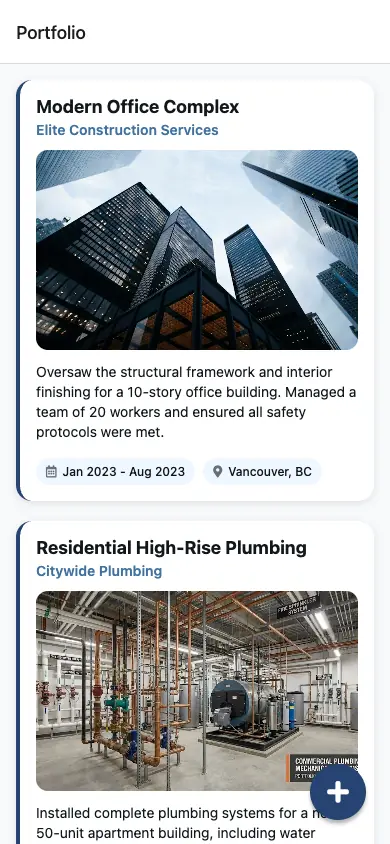
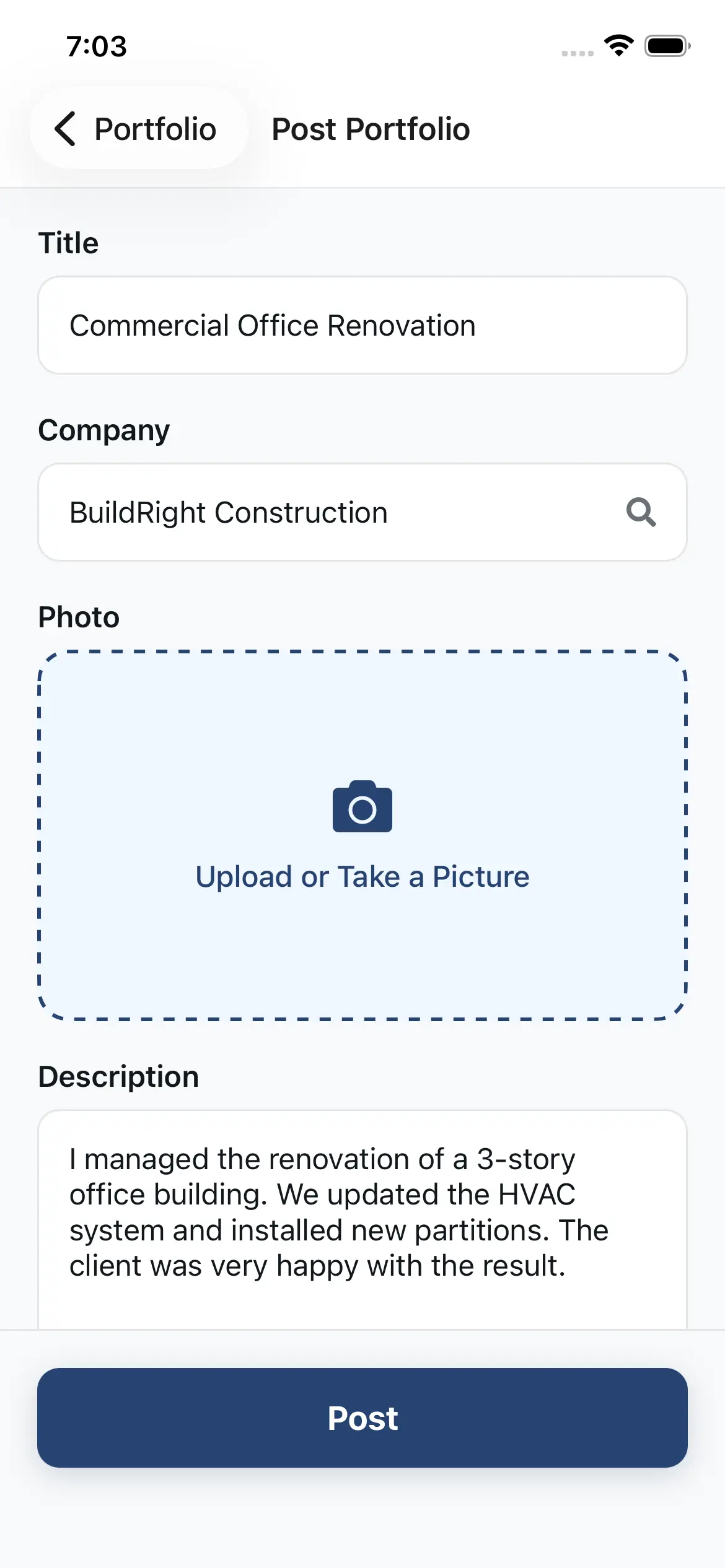
  • Add project photos (unlimited).
  • DDescribe your role and responsibilities.
  • Tag skills demonstrated on each project.
  • Before/after comparisons (optional).
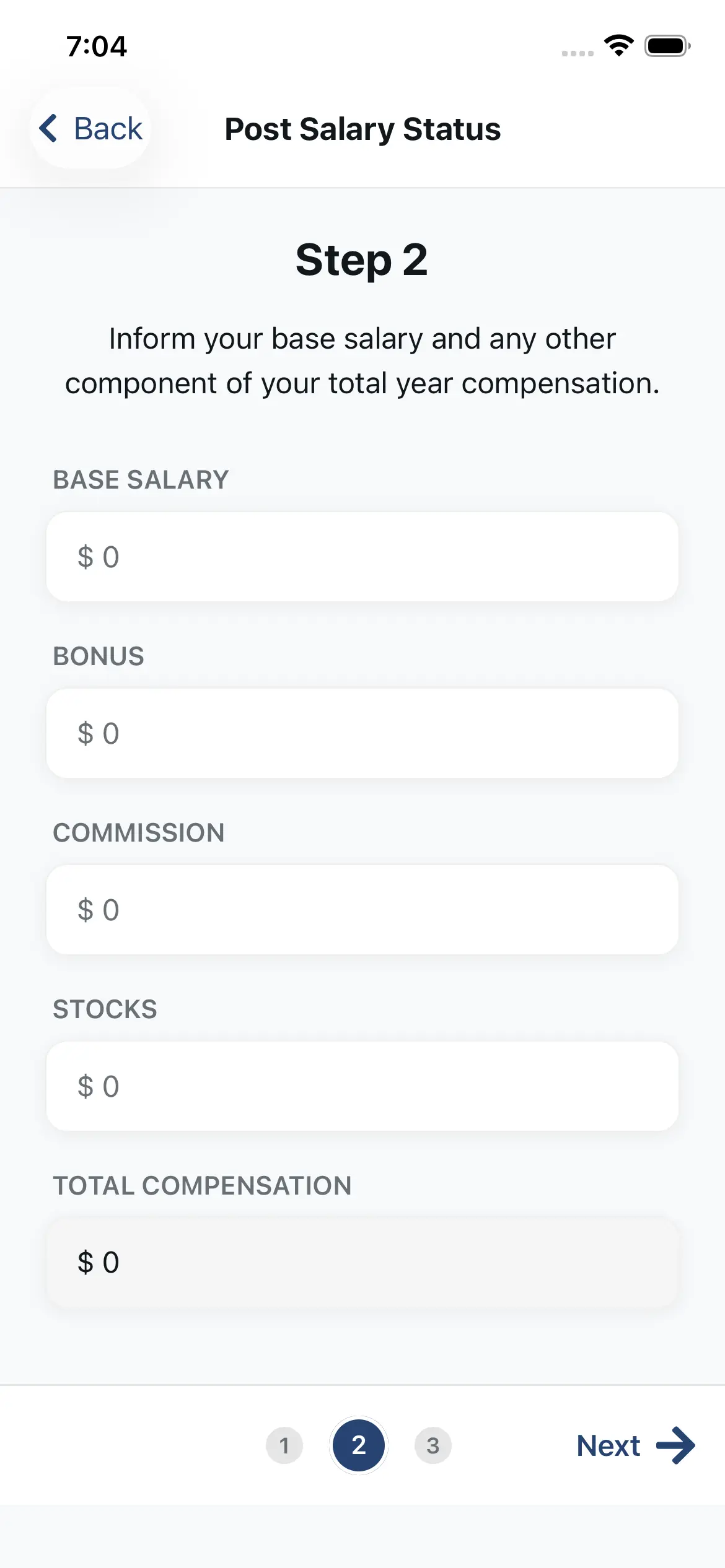
Salary Insights

Know Your Market Rate

Compare your compensation anonymously by role, experience, and location. Your salary details are never shown to employers or recruiters—only aggregated benchmarks are displayed.
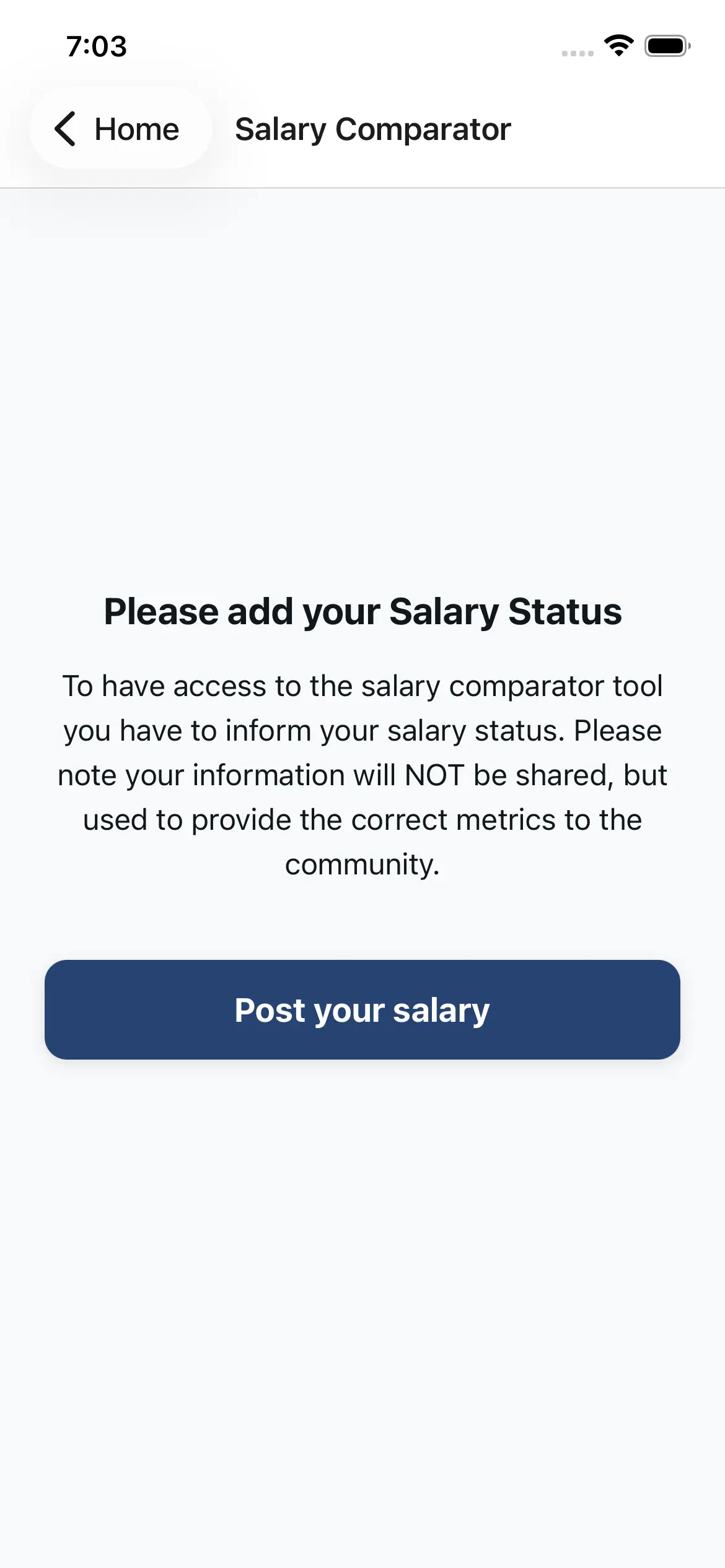
  • Compare by role, location, and experience.
  • Anonymous and aggregated—no personal salary is revealed.
  • See salary ranges and percentiles.
  • Real-time updates as new data comes in.
Job Matching

Get Notified When You’re a Top Match

Opportunity Alerts show newly opened roles where you’re a top match—designed for early applications. Tap “Interested” and the system handles the application automatically, placing you in a specially selected pool.

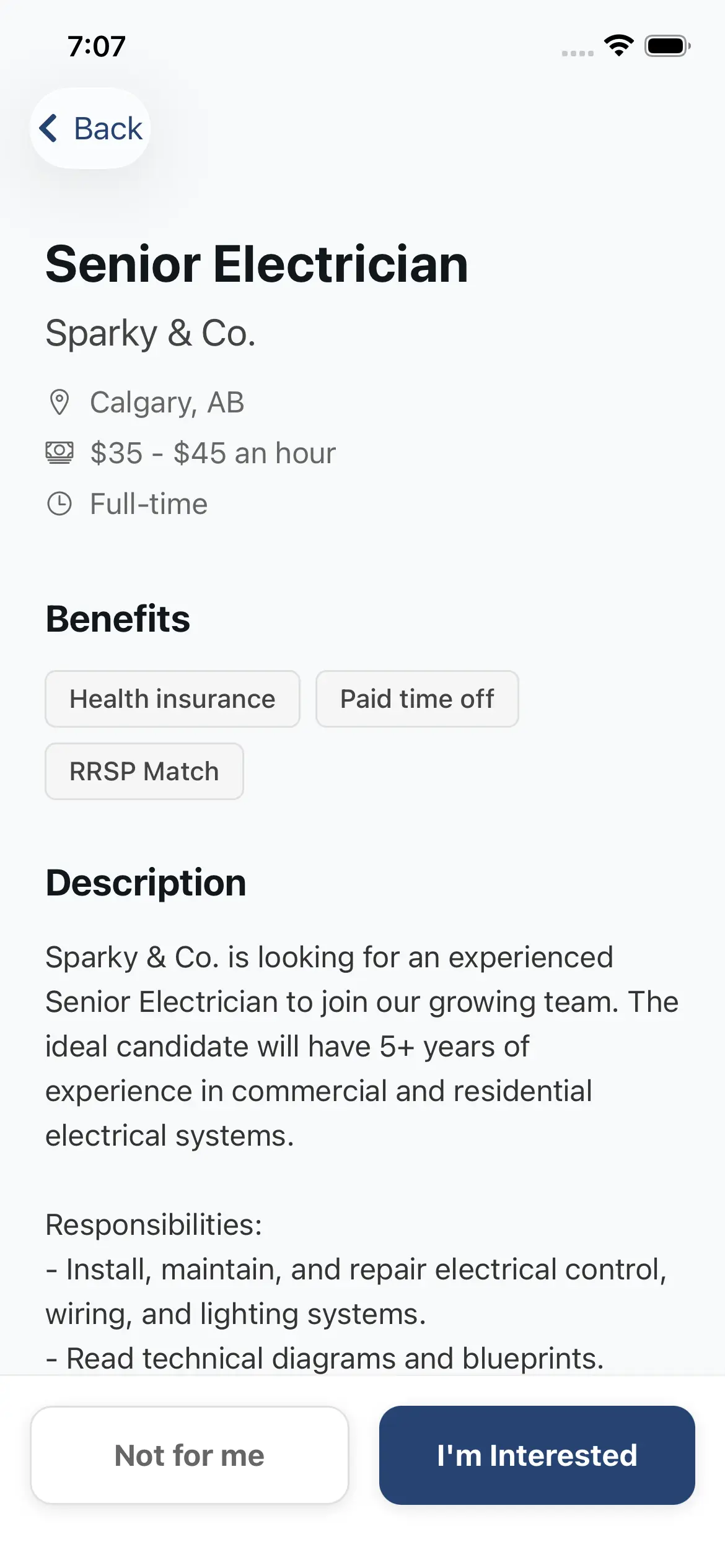
  • Top-matched opportunities for early applications.
  • One tap to express interest—no application required.
  • Added to a specially selected pool for the job.
  • Notification controls: push, email, or SMS.
Recommendations

Build Credibility with Endorsements

Request recommendations from supervisors, colleagues, or clients. Professional Hub sends the request and collects responses to enrich your profile—adding credibility without affecting skills-first matching.
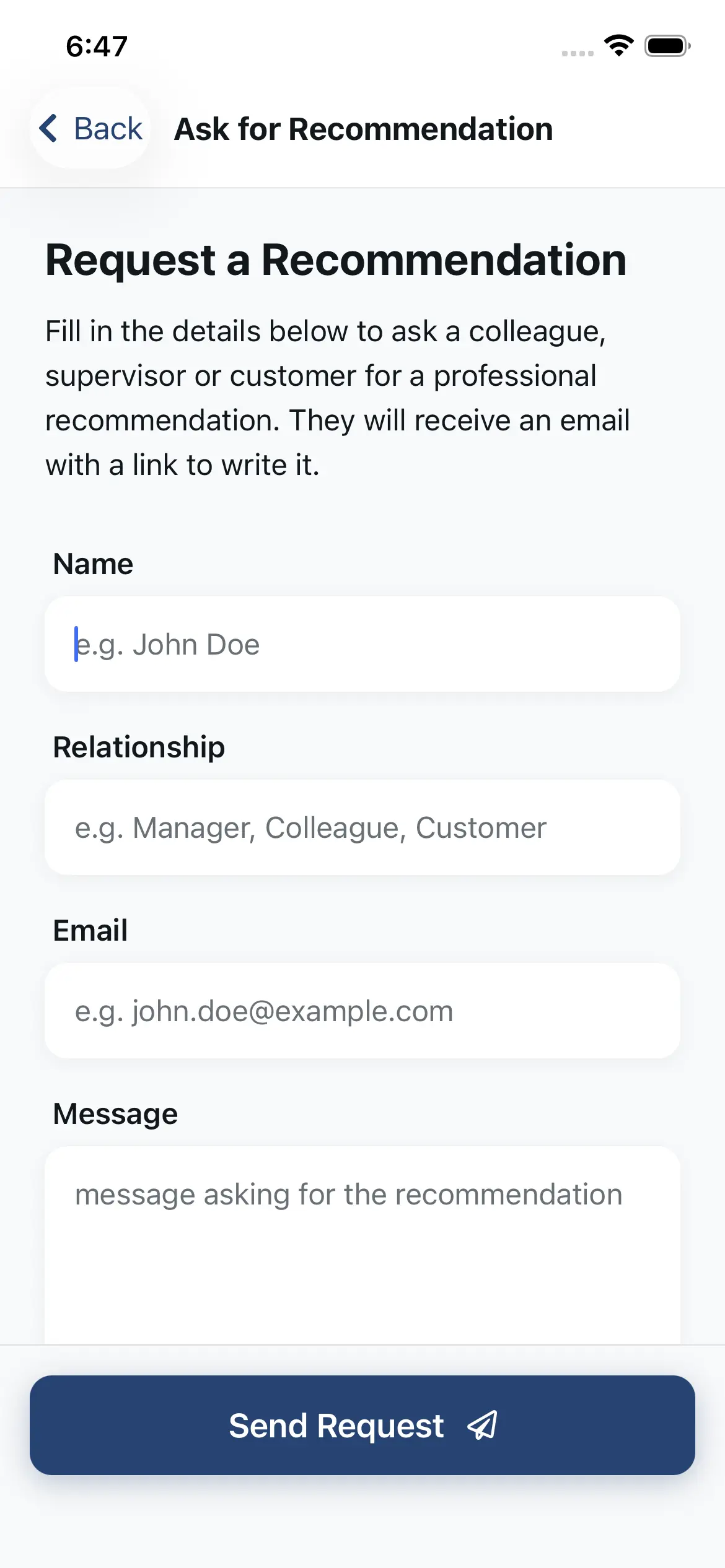
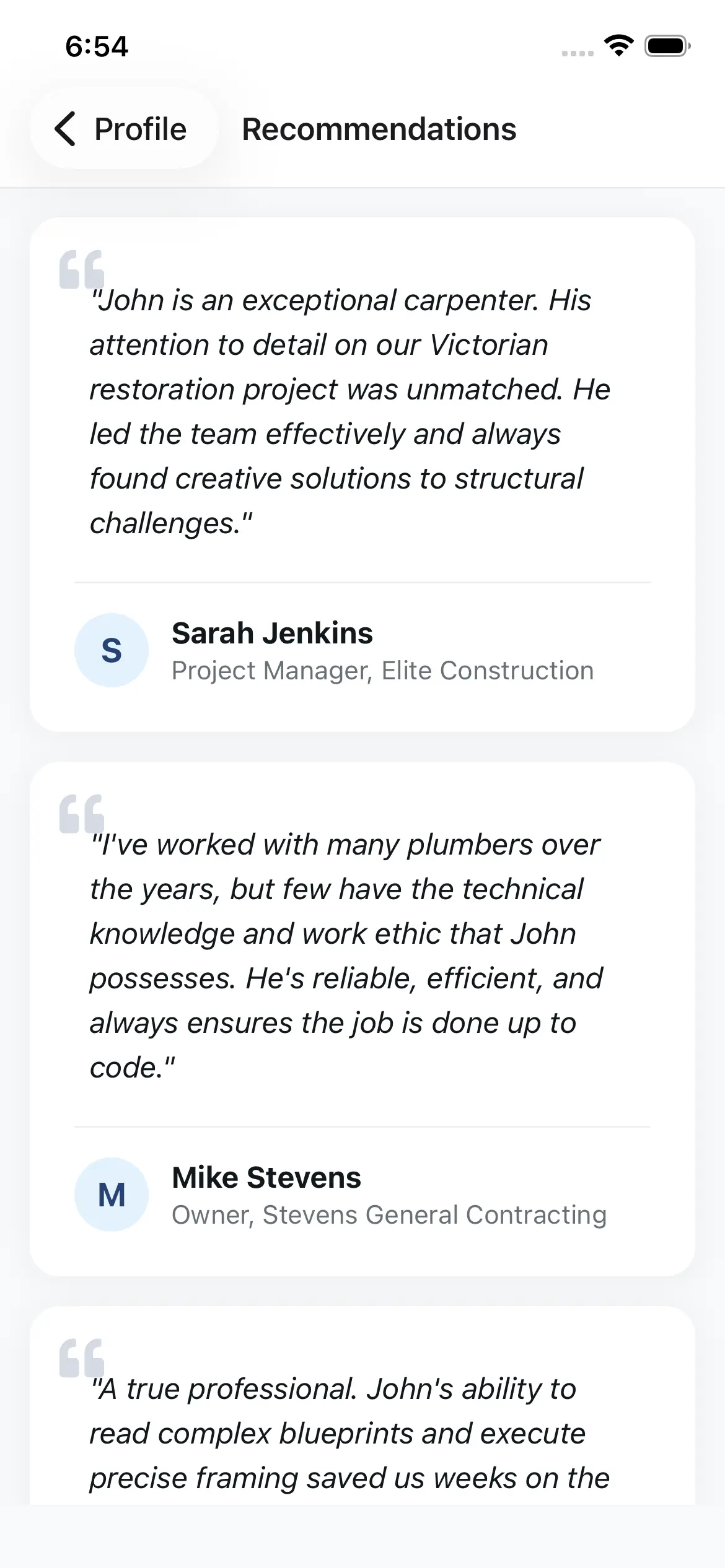
  • Request recommendations from peers or clients.
  • We email / SMS the request and collect the responses automatically.
  • Recommendations appear on your profile.
  • Adds trust and context for hiring conversations.

Get Started in 5 Easy Steps

From download to your first job match - here's how it works.

1

Download the Free App

Get the Professional Hub app from the App Store or Google Play. It's completely free with no in-app purchases or hidden fees.

2

Create Your Profile with AI

Our AI assistant guides you through building your profile. Speak about your experience and skills - the AI does the writing for you.

3

Add Your Portfolio & Photo

Upload photos of your best work and generate a professional headshot using our free AI photo tool.

4

Get Matched to Opportunities

Our AI matches your profile to relevant job opportunities. You'll receive notifications when companies are looking for professionals like you.

5

Express Interest & Connect

When you see an opportunity you like, tap to express interest. If the company is also interested, you can connect and chat directly.

Built for Skilled Construction Professionals

Whether you're in the field, the office, or moving between both - we've got you covered.

Field Operations

  • Foremen
  • Superintendents
  • Site Supervisors
  • Field Engineers

Skilled Trades

  • Carpenters
  • Electricians
  • Plumbers
  • Heavy Equipment Operators

Estimation & Admin

  • Estimators
  • Project Coordinators
  • Quantity Surveyors
  • Cost Engineers

Safety & Compliance

  • Safety Officers
  • HSE Managers
  • Quality Inspectors
  • Environmental Coordinators

Leadership

  • Project Managers
  • Construction Managers
  • Operations Directors
  • General Contractors

Design & Engineering

  • Civil Engineers
  • Structural Engineers
  • BIM Specialists
  • Architects

Ready to Build Your Profile?

Join the construction professionals hub. It's free, it's fast, and it works.

Free forever. No credit card required.